Context Engineering for Marketing: How to Make AI Workflows Actually Work
 Written by Martin J.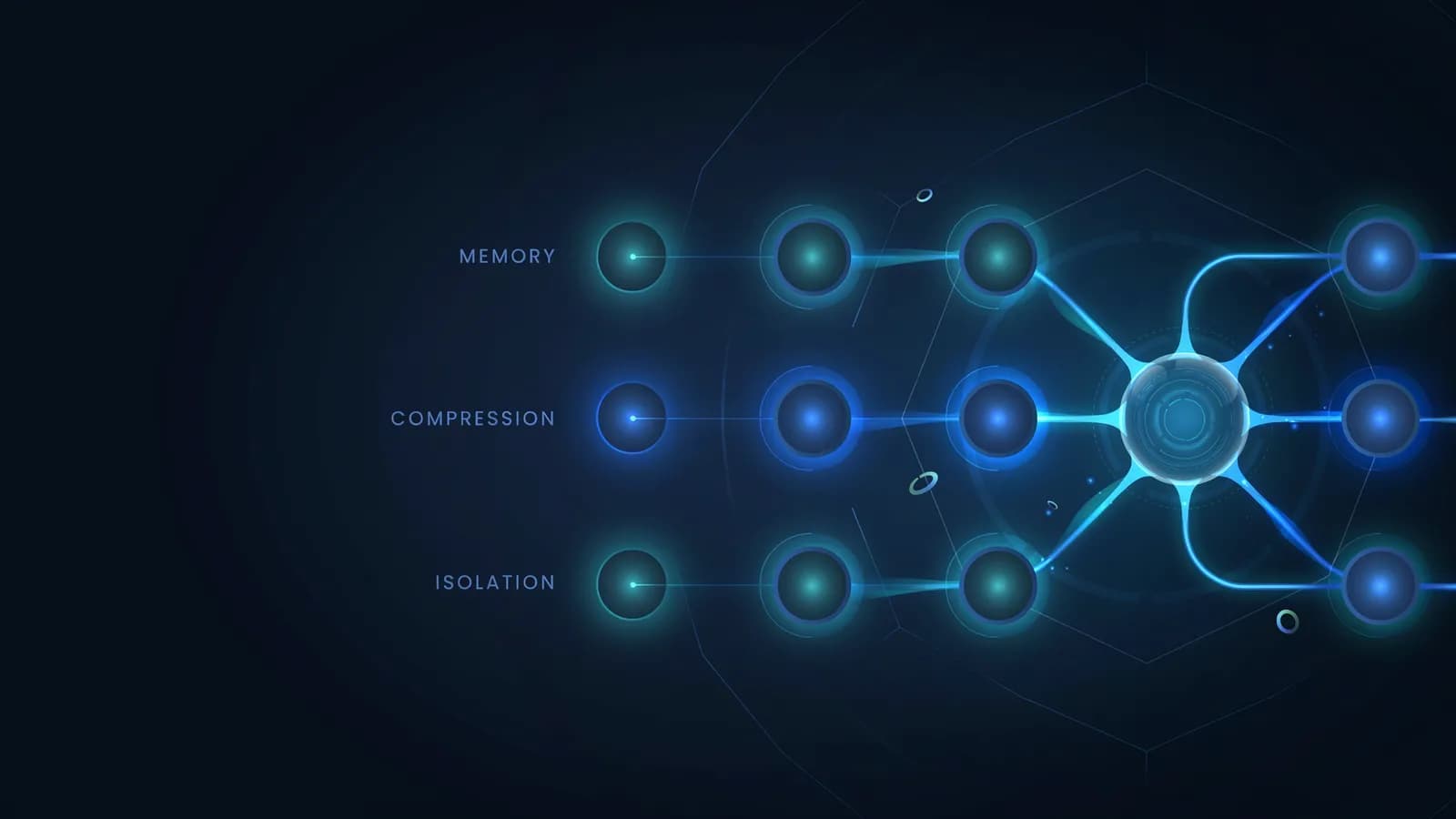
Prompt engineering got all the attention. Context engineering is what the practitioners doing real work figured out six months later. The difference isn't subtle — it's the difference between an AI that gives you a decent first draft and one that produces campaign-ready output without four rounds of manual editing. n8n formalized it. Dify built infrastructure around it. If you're running AI workflows in marketing and you keep hitting the same wall — outputs that miss the brief, context that disappears mid-workflow, agents that forget what they just did — you're experiencing context rot. What's actually causing it, and why doesn't rewriting the prompt fix it?
Your AI workflow looked sharp when you tested it. The first three deliverables came back clean — on-brand, on-brief, actually usable. Then something shifted. By output eight, the brand voice you set at the start had quietly dissolved. By output fifteen, the AI was confidently contradicting the messaging guidelines you gave it in session one. You didn't change anything. The model didn't change either. What changed is how much of your original context the AI could still "see" by the time it got to that fifteenth post. That gap — between what you told the AI at the start and what it can still act on ten steps later — is where most marketing AI workflows silently fail. And most teams never trace the failure back to it.
What Context Engineering Actually Is (and Why It Isn't Prompt Engineering)
Context engineering is a separate discipline from prompt engineering. That distinction matters more than it sounds.
Prompt engineering is about how you write an instruction — the format, the phrasing, the specificity of words within a single prompt. It's a static craft. You write a better prompt; the model follows it better.
Context engineering is about what information the AI has access to at every step of a multi-step workflow. It's dynamic. It answers a different set of questions: What does your agent know right now? What did it know ten steps ago? What got buried under accumulated conversation history before it even got to this task?
Walden Yan at Cognition defined it first: "Prompt engineering was coined as a term for the effort needing to write your task in the ideal format for a LLM chatbot. Context engineering is the next level of this. It is about doing this automatically in a dynamic system."
The n8n team's 2025 formalization is the most operational definition for practitioners: "Prompt engineering shapes a static prompt; context engineering dynamically assembles the whole context window at every turn." In a production AI workflow, that context window contains your system prompt, the conversation history, any retrieved knowledge, tool definitions, and tool output — all competing for the same limited space.
Anthropic put it plainly: context engineering is "the set of strategies for curating and maintaining the optimal set of tokens (information) during LLM inference."
The reason this matters for agentic marketing workflows specifically is that marketing tasks are rarely one-shot. You're not asking one question and getting one answer. You're running 30 posts through a content calendar pipeline. You're sending a campaign brief through a research agent, then a copy agent, then a review agent. Each step accumulates history. Each step competes with every step before it for the model's attention.
That's a context engineering problem. A better prompt doesn't fix it.
Why Prompt Engineering Breaks Down in Multi-Step Marketing Workflows
A single prompt, a single output — prompt engineering handles this fine. But the moment your workflow has more than three steps, you're operating in territory that prompt engineering wasn't designed for.
Here's what actually happens in a 30-post content calendar workflow:
Your system prompt might be 1,200 tokens long. It contains your brand voice rules, campaign parameters, approved messaging, and persona definitions. Every single API call burns those 1,200 tokens before generating a single word of output. That's roughly 900 words of instructions — repaid on every call, whether you asked for it or not.
As the workflow progresses, conversation history fills the context window alongside your system prompt. Post #1's output is now context for Post #2. Post #2's output is context for Post #3. By Post #15, the AI is looking at thousands of tokens of accumulated output before it sees your original brand guidelines. Your guidelines haven't changed. But their signal has.
This is why the research is unambiguous: 32% of organizations cite output quality as their top AI barrier, with most failures traced to context management — not model capability (LangChain State of Agent Engineering, 2025). The model isn't getting worse. Your context architecture is getting noisier.
For marketing workflow automation, this creates a specific failure pattern: workflows that work beautifully in testing, with two or three outputs, and degrade progressively at scale. The team assumes the prompt is wrong. They rewrite it. Performance improves temporarily. Degradation resumes.
What they're actually doing is re-initializing the context — accidentally — every time they rewrite the prompt. The prompt isn't the problem. The context architecture is.
The 4 Core Context Engineering Strategies

The framework that has emerged across LangChain, LlamaIndex, n8n, and Dify distills to four strategies. In combination, they solve the problem that prompt engineering alone cannot.
1. Write — Persist Context Externally
Store important context outside the conversation so agents can retrieve it reliably, every session, every call. In marketing terms: your brand voice guidelines, approved messaging documents, campaign parameters, and persona definitions should not live in a system prompt that gets rewritten every quarter. They should be stored as structured documents that any agent in your workflow reads before producing output.
The practical implication: your AI workflow should start every run by reading your brand context document, not by having it baked into the prompt. The context lives externally. The agent pulls it fresh. You update the document once; every workflow call downstream gets the update automatically.
2. Select — Load Only What's Needed
Loading everything into the context on every call is expensive and counterproductive. Every token you load is a token competing with your instructions for the model's attention. Select strategy means pulling only the context relevant to the current task — no more.
The progressive loading model works like this:
- Always load: your top 5 voice rules, active campaign parameters, escalation triggers
- Load on lookup: full persona definitions, historical campaign summaries, competitor positioning
- Load on topic: product specs when a feature comes up, pricing only when costs are discussed
In a social media batching workflow, this means your LinkedIn rules and your Instagram rules don't both load on every call. LinkedIn context loads for LinkedIn posts. Instagram context loads for Instagram posts. Platform-specific isolation reduces noise and reduces cost.
3. Compress — Reduce Token Use Without Losing Signal
Your rolling conversation history is the biggest source of context rot in long workflows. Compressing that history — rather than letting it accumulate raw — is one of the highest-leverage technical decisions in context engineering.
Practical compression techniques:
- Rolling summaries: after every 5 posts, compress the conversation history into a 200-word summary. The summary carries the essential decisions; the individual exchanges drop out.
- Markdown conversion: converting HTML retrieved from documentation into plain Markdown reduces token count by 30–60% with no loss of semantic content (n8n's documented practice).
- Approved messaging compression: your full brand voice document might be 800 tokens. A compressed "essentials" version — the 10 rules that matter most — might be 150 tokens. Use the full version when onboarding a new workflow. Use the compressed version in production runs.
4. Isolate — Prevent Context Bleed Between Agents
In a multi-agent pipeline, context bleed is the enemy. Your research agent should not share context with your copy agent. Your copy agent should not share context with your review agent. Each agent gets only the context relevant to its own task.
This is the strategy that eliminates a specific failure pattern in multi-step workflows: the copy agent that starts "knowing" things it learned from the research agent's conversation history, and which are no longer accurate for this particular deliverable.
Isolation means architectural separation. Each agent call is scoped. Context passes between agents only through explicit, structured handoffs — not through accumulated conversation history bleeding across the pipeline.
Context Engineering in Practice: Three Marketing Workflows That Break Without It
These aren't hypothetical examples. They're the failure patterns that show up consistently once marketing teams push AI workflows past the 10-output mark.
Campaign Brief → Deliverable Pipeline
Without context engineering: You send a campaign brief into the workflow at session start. The AI produces deliverables 1–3 correctly. By deliverable 8, the constraints you specified in the brief ("conversational tone only," "never mention pricing in this phase") have quietly disappeared. You paste the brief back in. Outputs improve. They degrade again by deliverable 15.
With Write + Isolate: The brief is stored as a structured external document. Every copy agent call begins with a fresh injection of the brief context — pulled from storage, not from conversation history. The copy agent is isolated from the research agent; no history from the research phase bleeds into the copy phase. Brief constraints stay alive through deliverable 30 because the context source doesn't accumulate noise.
30-Day Content Calendar (Brand Voice at Scale)
Without context engineering: You generate 30 posts in sequence. By post #12, the AI has accumulated so much prior output in its context window that the original brand voice guidelines are outweighed by the pattern of posts already written. Post #20 starts sounding like a different brand. Post #30 contradicts a positioning statement you approved in post #1.
HubSpot's 2026 State of Marketing report puts blog production at 8.2 hours down to 2.7 hours with AI. That efficiency gain depends entirely on output quality holding at scale — which requires context management. Without it, editing overhead at post #20 erodes the savings you captured at posts #1–5.
With Compress + Select: After every 5 posts, compress the conversation history into a running summary. Always inject brand voice rules fresh — not from history, but from your external document. Load previous post examples selectively — the last 3, not all 30. Brand voice stays consistent because the source of brand context stays clean.
Multi-Platform Social Media Batching
Without context engineering: You're generating LinkedIn posts, Instagram captions, and X threads in a single workflow session. LinkedIn character limits and professional tone rules, Instagram caption structure, X thread formatting — you've specified all of it. By batch #3, the AI has mixed these rules together. Your Instagram post opens like a LinkedIn article. Your X thread reads like a press release.
With Write + Isolate: Platform rule sets are stored as persistent context documents. Each platform gets its own isolated agent call. LinkedIn context loads for LinkedIn posts; Instagram context loads for Instagram posts. No cross-contamination. One workflow, three isolated contexts.
Context Rot: What It Looks Like in a Marketing Workflow
Context rot is the measurable degradation in AI output quality as the context window fills with accumulated history, failed attempts, conflicting instructions, and noise. The model doesn't crash. It just works with degraded information — and it doesn't tell you.
Symptom | What It Looks Like in Your Workflow |
|---|---|
Instruction drift | Campaign brief constraints ("use conversational tone") gradually disappear by post #8 of 30 |
Repeated mistakes | AI suggests the same headline angle you rejected three prompts ago |
Contradictions | Social post #15 contradicts the brand positioning you locked in at post #1 |
Restate loop | You paste the same brand voice rules into every session — spending more time prompting than the AI saves |
Confident inconsistency | Copy goes out with apparent confidence that contradicts the approved messaging from earlier in the session |
Campaign data bleed | Agent blends campaign A details with campaign B specs in the same output — confidently wrong |
Sycophantic mirroring | After 20+ turns, AI starts agreeing with every suggested edit rather than flagging brief violations |
If three or more of these symptoms are familiar, you're not dealing with a prompt problem. You're dealing with a context architecture problem.
The token math explains why: a detailed system prompt consumes 1,000–2,000 tokens on every call. At 200 monthly posts, that's 200 separate API calls — each of which burns 1,000–2,000 tokens of system prompt before generating a single word of output. As conversation history accumulates within each call, those 1,000–2,000 tokens of instructions compete with an ever-growing volume of prior output for the model's attention. The instructions don't disappear. They just become proportionally less visible.
Tools That Handle Context Engineering for Marketing (Compared Honestly)
Three tools have emerged as the primary options for marketing teams thinking seriously about context engineering. They're not equivalent.
Tool | Setup required | Context persistence | Marketing-native | Token budget control |
|---|---|---|---|---|
n8n | Developer / advanced no-code | External DB (Postgres, Airtable) via nodes | No | Manual (workflow nodes) |
Dify | Low-code | Conversation Variables + Variable Assigner nodes | No | TokenBufferMemory (developer config) |
Allable | Zero setup | Built-in across all modules | Yes | Automatic |
n8n is the tool that formalized context engineering for LLMs — their 2025 blog post on context engineering is the most detailed practitioner resource available. But for n8n for marketing teams, implementing context engineering properly means building explicit workflow architecture: short-term memory nodes, external database connections (Postgres or Airtable) for long-term persistence, RAG pipelines for knowledge retrieval. Nine documented strategies across memory, compression, isolation, routing, and formatting. It's powerful. It requires workflow architecture knowledge that most marketing teams don't have and shouldn't need.
Dify is a low-code LLM app builder. Conversation Variables handle temporary context storage across multi-turn conversations. Variable Assigner nodes write and update context at any point in a chatflow. For manual context filtering and modification, you're writing CODE nodes and managing conversation history directly. Dify is genuinely more accessible than n8n — but context engineering is still a configuration problem you solve in the builder, not something that handles itself.
Allable is built as a marketing-native platform, which means context engineering is a design decision, not a configuration task. Brand voice, campaign parameters, and module state carry across SEO → content → social → campaigns without requiring workflow architecture decisions. When you run a 30-day content calendar in Allable, you don't configure Conversation Variables or set up external database nodes — the platform knows what campaign you're working on, what brand voice you've approved, and what's been published. That context is structural, not something you engineer.
For teams already using AI coding tools for marketing alongside workflow platforms, n8n and Dify make sense at the pipeline level. For marketing teams who want AI-powered output without becoming workflow architects, the tool selection changes.
How Allable Approaches Context Engineering Without the Architecture Tax
The architecture tax is real. In n8n, setting up proper context engineering for a marketing workflow — short-term memory, long-term persistence, summarization steps, agent isolation — is measured in hours of setup, not minutes. In Dify, Conversation Variables reduce that overhead, but manual context management through CODE nodes is still required for anything beyond basic use cases.
The problem isn't that these tools are wrong. The problem is that the context engineering architecture they require is a developer's mental model applied to a marketing team's workflow problem.
Allable's approach: the platform is designed around the structure of marketing work — campaigns, content calendars, brand guidelines, publishing schedules. Context isn't something you persist manually. It's something the platform already knows because the data lives in a marketing-native structure.
In practice: when Allable's content module generates post #30 of a 30-day calendar, it doesn't rely on post #1 being in the conversation history. It reads from the campaign brief, the brand voice document, and the approved messaging guide — the same sources it read for post #1. The context doesn't degrade because the source of context isn't the conversation. It's the structured marketing data.
For 45% of marketing teams now using at least one agentic AI system (G2 Grid Survey, 2026), the question isn't whether to implement context engineering — it's whether to implement it manually or use a platform where it's built into the product design.
Three Quick Wins to Implement This Week
You don't need to rebuild your entire workflow to get context engineering benefits. These three changes apply regardless of which tool you're using.
1. Externalize your brand voice document. If your brand voice rules currently live in a system prompt, move them to a separate document. Reference the document in your workflow; don't embed the rules directly. This single change makes it possible to update brand voice in one place and have every workflow run pick up the change automatically.
2. Add a summarization step every 5–7 outputs. Whether you're using n8n, Dify, or any other tool, build a compression step that runs after every 5–7 generations. The step takes the conversation history from the last N outputs and produces a 200-word summary. That summary replaces the raw history in subsequent calls. Token cost drops. Context quality holds.
3. Run platform-specific agents as isolated calls. If you're generating content for multiple platforms in a single session, stop. Each platform should get its own isolated agent call with only the relevant platform context. The outputs can be collected into the same workflow — but the context for each call should be scoped to that platform's rules only.
None of these require rebuilding your stack. All three materially reduce context rot in workflows you're already running.
Prompt engineering shapes a static prompt; context engineering dynamically assembles the whole context window at every turn.
Frequently Asked Questions
- What's the difference between context engineering and prompt engineering?
- Prompt engineering is about how you write a single instruction — the phrasing, format, and specificity that helps an AI understand what you want from one exchange. Context engineering is about what information the AI can access across an entire multi-step workflow. Better prompts don't solve context degradation in a 30-post content calendar. Better context architecture does.
- Do I need to code to do context engineering?
- It depends on the tool. In n8n, context engineering for production workflows requires workflow node architecture and typically external database setup — it's developer territory. In Dify, low-code Conversation Variables handle basic context persistence, but manual context management requires CODE nodes. In marketing-native platforms like Allable, context persistence is built into the product design — you don't configure it at all.
- What is context rot and how do I know if it's affecting my workflow?
- Context rot is the degradation in AI output quality as the context window fills with accumulated history, noise, and conflicting instructions. The clearest signals: your AI workflow produces strong outputs for the first 5-7 deliverables and progressively weaker ones after that; your brand voice rules seem to disappear by the middle of a long session; you find yourself pasting the same context into every session start; or AI outputs from later in a session contradict decisions made earlier. If any of these are familiar, context rot is the likely cause.
- How does context engineering affect AI content quality at scale?
- Gartner's 2026 marketing technology research found that social media calendar production dropped from 20-30 hours to 5-8 hours with AI assistance. That efficiency gain holds only if quality stays consistent across 100-150 posts. Without context engineering, quality degrades progressively — meaning the editing time you save in posts #1-10 you spend back in posts #20-30. Context engineering is what makes the efficiency gain durable, not just a benefit in the first few outputs.